



ARTICLE
If you spend enough time on LinkedIn, Instagram, X, or any other social platform, it feels like everyone is building new apps left and right. Most of them aren’t solving meaningful problems. They’re built to generate engagement, views and impressions. Seeing posts like these makes people think, “Wow, I could ship so many products quickly. Let me try it too.”
I built CueNow, a sticky note app for Mac focused on simplicity, privacy and local-first storage. After building this app, I realized, building a proper and usable app for everyone in the world is not as quick as people on the internet make it seem.
The AI wasn't the problem
I’ve been using physical sticky notes for years. It has been a great way to add notes to important pages in my German learning notebook. Plus, the sensation of writing on it and removing it cannot be replaced by any digital means. But since most of my work happens on a computer, I decided to create an app that feels closer to a real sticky note.
From various sources, I knew that AI would work best when the foundation is strong. I have a habit of documenting everything so I started with a detailed PRD for the app that I added as a source to my agentic IDE along with my designs that I had created in Figma.
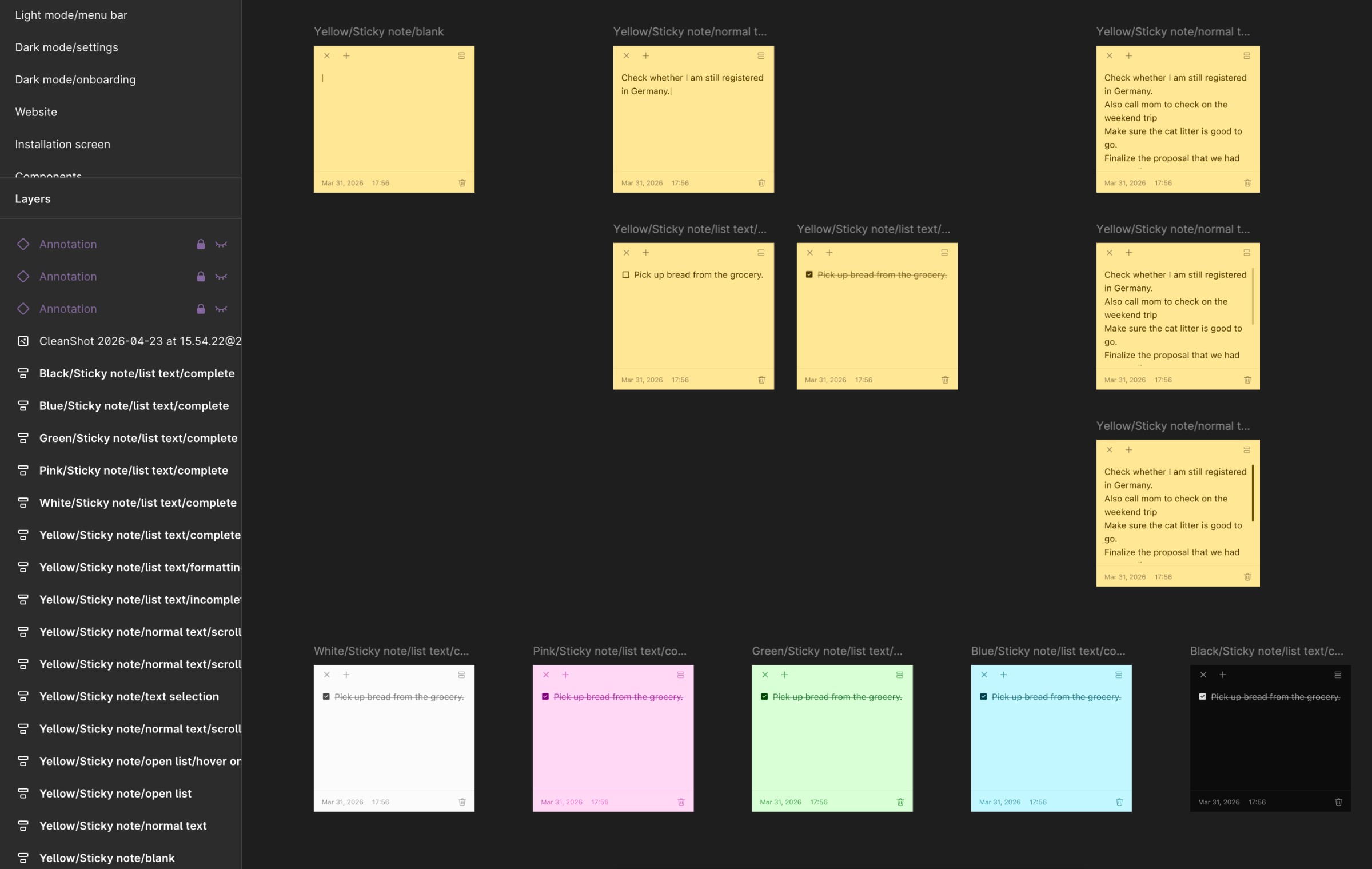
But having a PRD and designs wasn’t enough. I had to go through the information that the AI agent replied with and carefully tell it about the features, the user flow and the interactions. I made sure it was extremely detailed. When building with AI, you really need to know what, why, for whom and how you're building. You need to know what is suitable for your users. Otherwise, you’ll end up stuck in a loop, pulling your hair out and wasting hours.
Knowing what to ask matters more than you think
Here's the part that will help you understand why I said that you really need to know what, why and how you want to build the app.
Let’s talk about note persistence. A sticky note should be visible all the time, whenever you want rather than minimizing itself when you work on something else. AI implemented this basic functionality instantly. But what about when the app updates or when you close the app or when you restart your device? Your note should not disappear without your permission.
Or, let's say I want to be able to create new notes and access all the notes easily. How can I do that without interrupting the user's current flow? How can I restore notes that I accidentally deleted?
Everything is interconnected to each other and all these small details add up to make the user experience better. Miss one of them and the app will feel broken. The difference between just typing "Create a sticky note app" and "Create a sticky note app with persistent window, note restoration, always-on-top behavior, checklist support" with additional details ofc is huge. The better you understand the system, the better AI performs.
The endless cycle of fixing AI
No matter how great the foundation is or how detailed the prompts are, some errors are definitely going to show up. I had already added my Figma designs to the code editor using MCP, so the design should be flawless, right? Nope, it wasn't. I spent a ton of time to fix the window dragging functionality of the notes. It seemed determined not to do what I wanted it to do. Then there were some visual bugs even with sources added but most of the times, they got fixed in one or two attempts.But sometimes I’d spend hours trying to fix a single issue.
I was using multiple methods to fix these bugs:
Manual testing and providing my observations
Adding images of how it should actually function
Adding GIFs of the bug and explaining what it should do instead (no video because many models do not support it)
Testing the build in Xcode and providing it with the log files and more
Even with all this, it was struggling.
The one method that proved to be working was letting my code editor access everything in my system and test it automatically. This was more successful when I went to Codex and used Computer Use, so Codex could control my system and basically do everything. Risky? Absolutely. But it worked.
I think I spent more time fixing the visual and functional bugs than I took creating the first version of the app.
"You need 200$ plan to develop real apps"
I disagree with that completely. You don't need to get the 200$ plans to develop any real apps! It is not a must have. It will definitely take less time since you get huge limits, but you can absolutely create real apps with just the 20$ plans.
I created CueNow with a 20$ subscription to OpenAI. Later on I did subscribe to Claude 20$ plan when Opus 4.7 released. I was using my subscriptions (Not API keys) in Intent by Augment. I had set up multiple sub-agents with their own specialities that gets called by my 'Coordinator agent' depending on the task assigned. The reason I chose Intent rather than industry-standard tools like Cursor or Claude was simply because at the time of building the app, Intent was the only tool with in-built task delegation system to sub-agents and I could use both my OpenAI and Claude subscriptions.
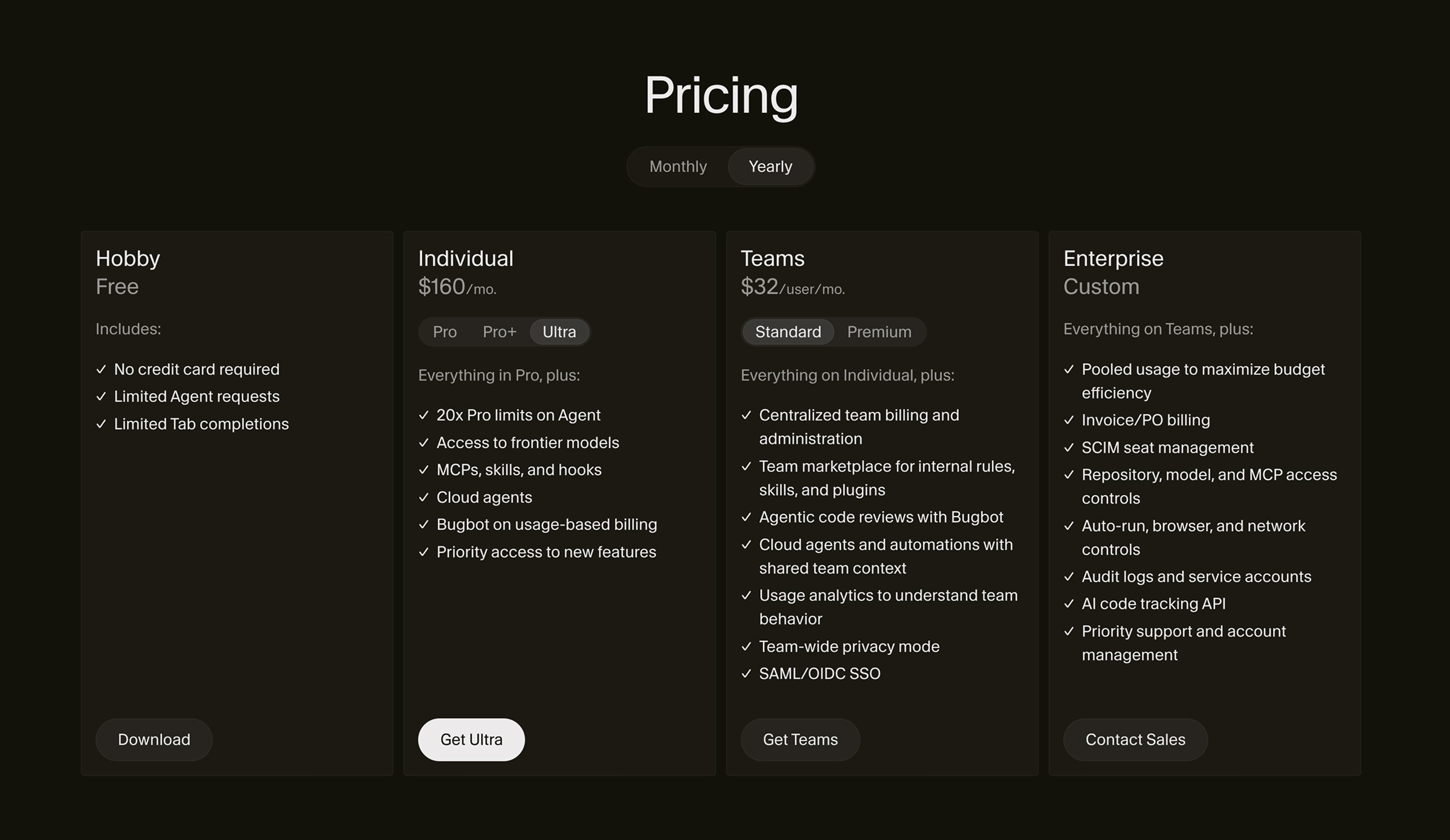
Yes, it was sometimes frustrating waiting 5 hours for my limits to reset and I did maybe once or twice run out of my weekly limits in a couple of days, but this was perfect for me as I was able to take a break and work on other things. And this also forced me to learn how to optimize the code and learn which models work best for which tasks while burning through the least possible tokens.
But Is The Code Any Good?
I genuinely had this similar concern as well when I was building the application because in social media I kept seeing people say, "Well, AI cannot write a code that is properly optimized for any device." "There's going to be dead codes everywhere", "The app probably performs bad since it's vibe-coded."
I try to have applications that consume the least amount of memory, battery and disk space while still functioning properly. Since this was going to be an app that I'd use daily, I made sure that it was fully optimized.
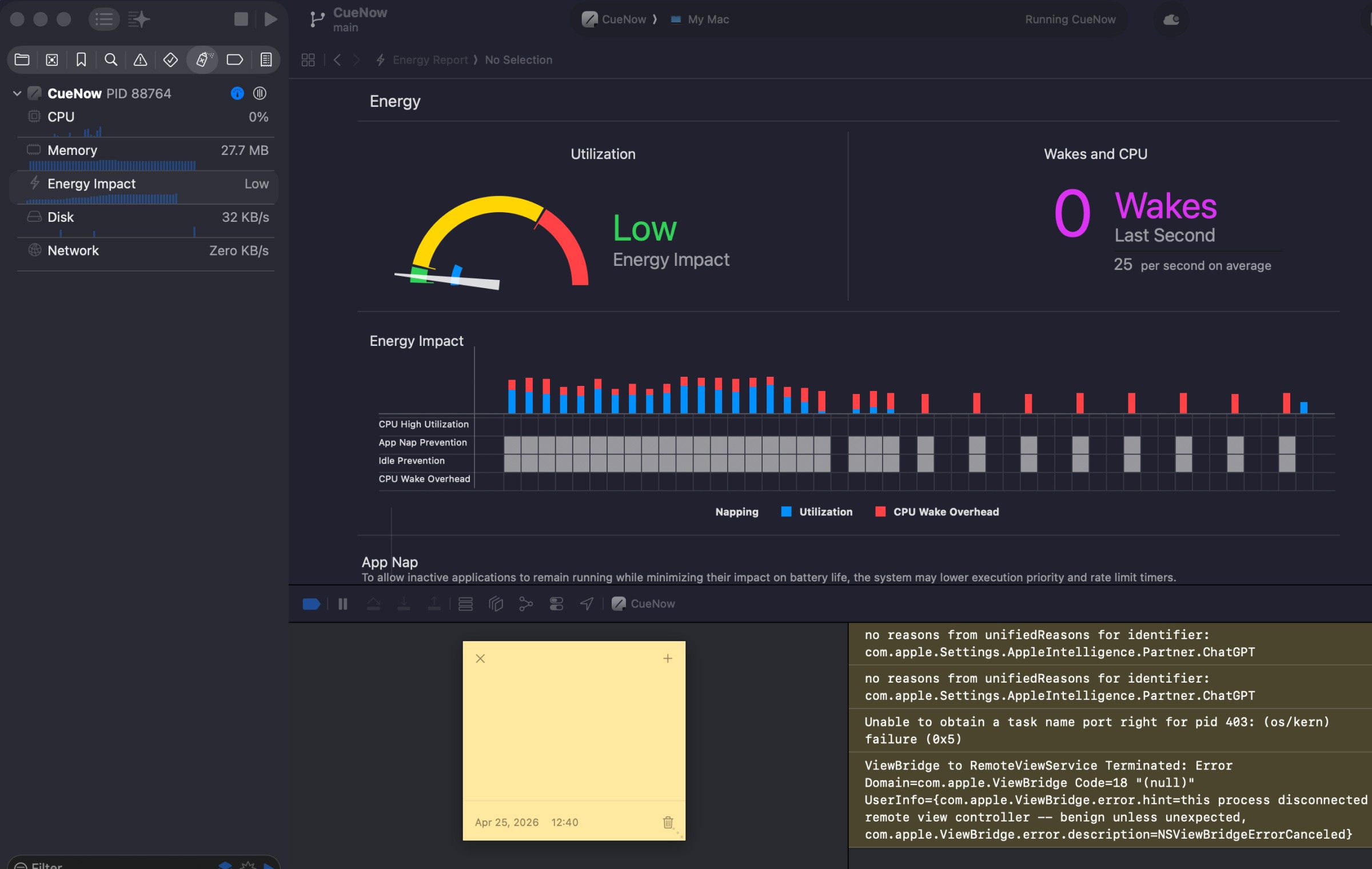
Once built, I did multiple tests in Xcode to check how much resources it was consuming. I also asked my agents to run a performance test and optimize the code as much as possible. And now, the CPU consumption is 0% in idle, the Memory usage is 37 MB and this surprised me the most, the 12 hr Energy consumption is only 0.09.
So, final thoughts?
Apps are created to solve a problem faced by the users. When I created CueNow, I hadn't planned to publish it. This app was meant for personal use and to learn about building apps with AI. I had planned to create a different app but since this was my first time trying out building something myself, I started with a simple sticky note app.
"Why a sticky note app? There are already thousands of them." True, there are lots. I use Raycast and even that has a sticky note but it has a limit of 5 notes maximum unless I pay. Not a one-time purchase but a subscription. Really? A subscription to use notes? And this is true for most of the applications.
Social media makes it feel like everyone is launching products every week. “I built this in a weekend.”, “I generated 37,000 lines of code in a day.” That’s great. Building software has become easier. But building something people actually want is still hard. According to recent data from Similarweb, monthly app releases are up by 50% but 75% of the Android apps don't even reach 1000 downloads.
You can absolutely build an app using AI even with the cheapest plan available and if you’re thinking of doing so, don’t focus on how many projects you can ship or how many lines of code you can generate. Start with a problem and ask yourself, if it is worth building.
You can try CueNow yourself. Completely free and fully local. Your data is yours alone.